Orders that explain their state
Separate pending preparation, partial fulfillment and completed work so the team knows what is still waiting.

DeDanix Warehouse Pro
Multi-location inventory control for real receiving, picking, dispatch and audit work from a fast tablet-ready interface.
USD 99 / yearOrganize hierarchical locations and review physical quantities where the team actually works. Search by product, SKU or lot before deciding what to receive, move or dispatch.
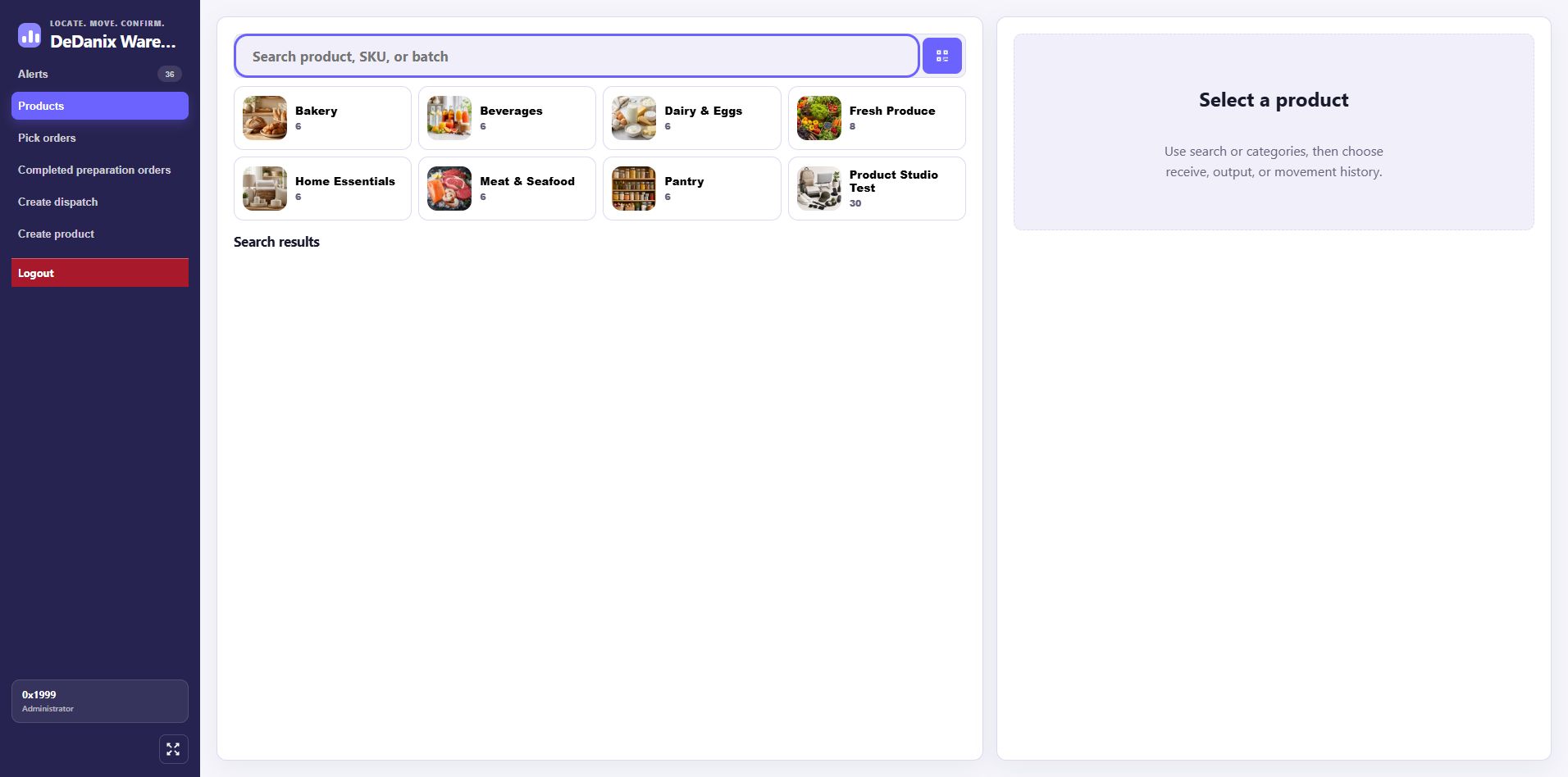
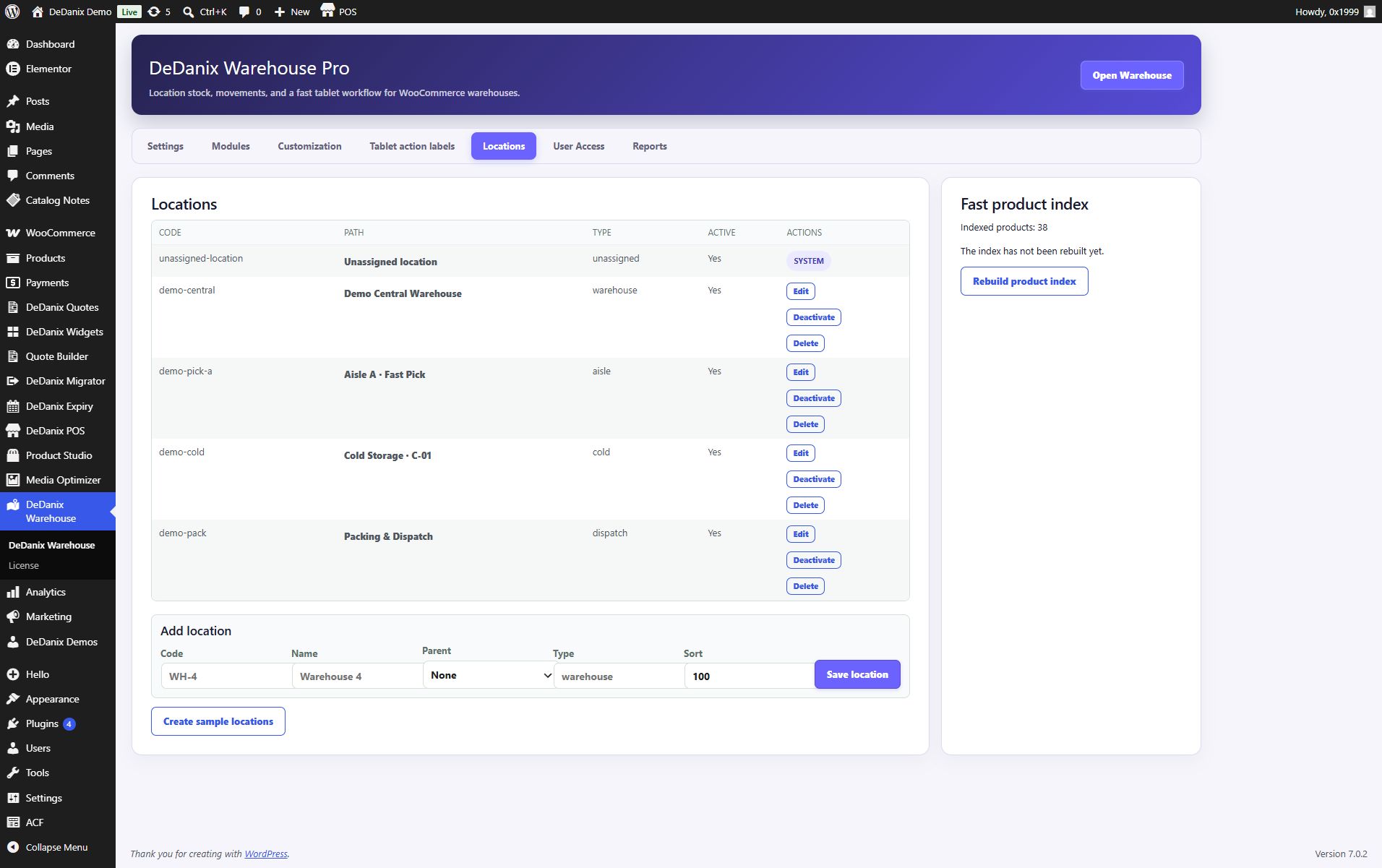
Keep receiving, outgoing movement and transfers distinct so the next person can understand what changed. The workflow stays in the WooCommerce context instead of inventing a second commerce system.
Record incoming stock against the location and product context.
Transfer physical units between hierarchical locations.
Review pending, partial and completed preparation work.
Use manual dispatch and order history to close the handoff.
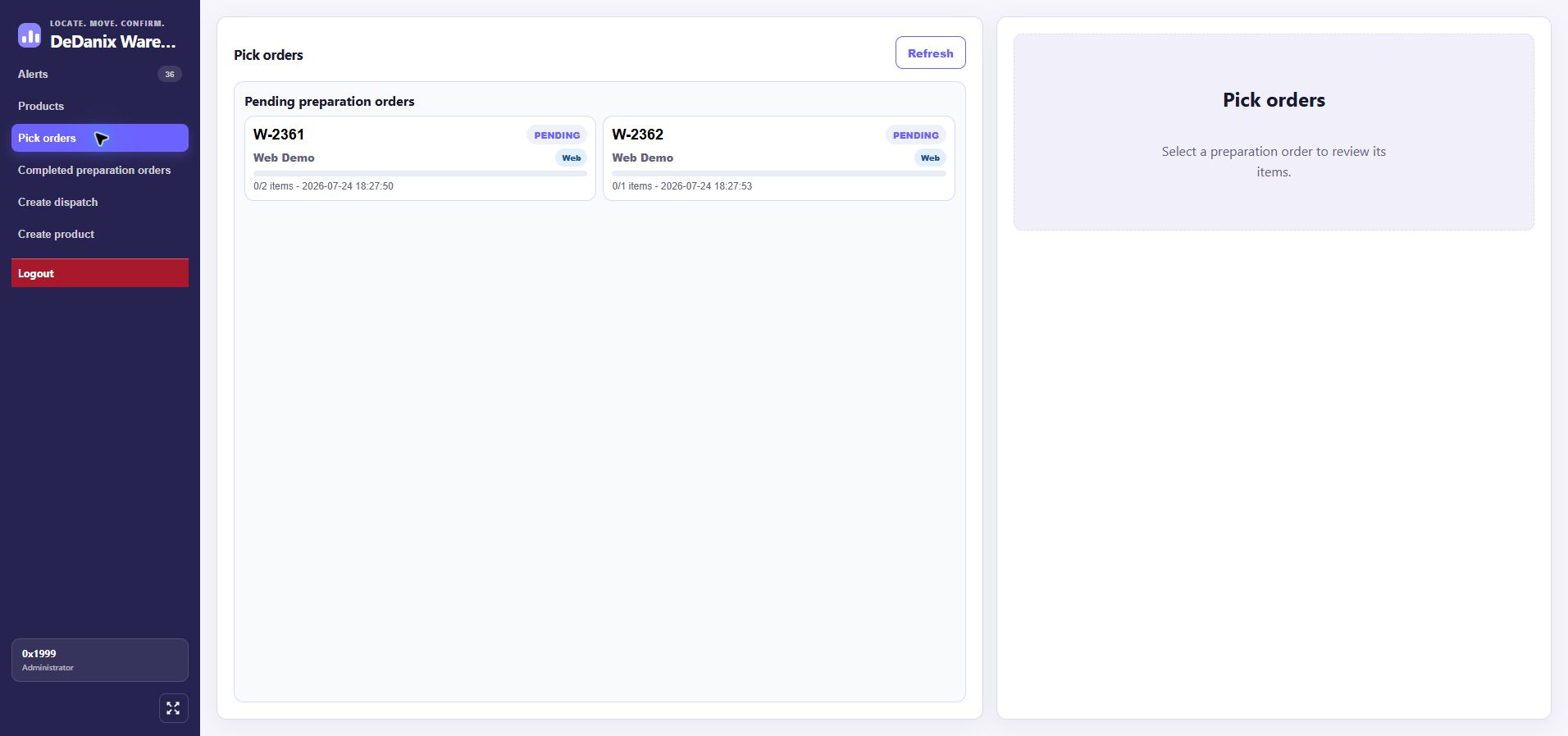
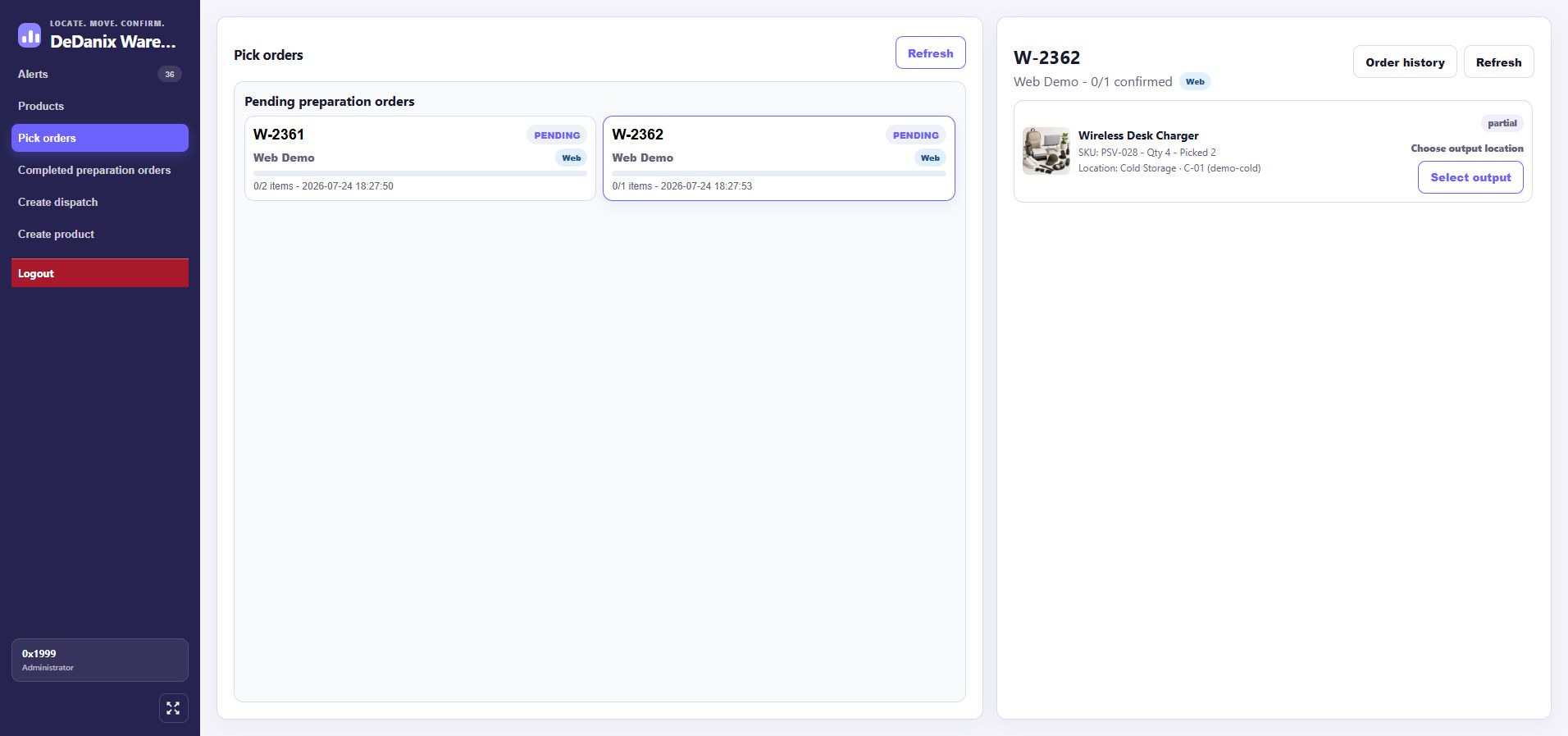
Reservations, partial deliveries, backorders and completed orders can be reviewed as operational states. Test the sequence with demo orders before relying on it in a live store.
Separate pending preparation, partial fulfillment and completed work so the team knows what is still waiting.
Find products by name, SKU or lot, then use categories and rapid flows to reach the next action.
Use histories, alerts and reports as operational signals, not as a promise of automatic resolution.
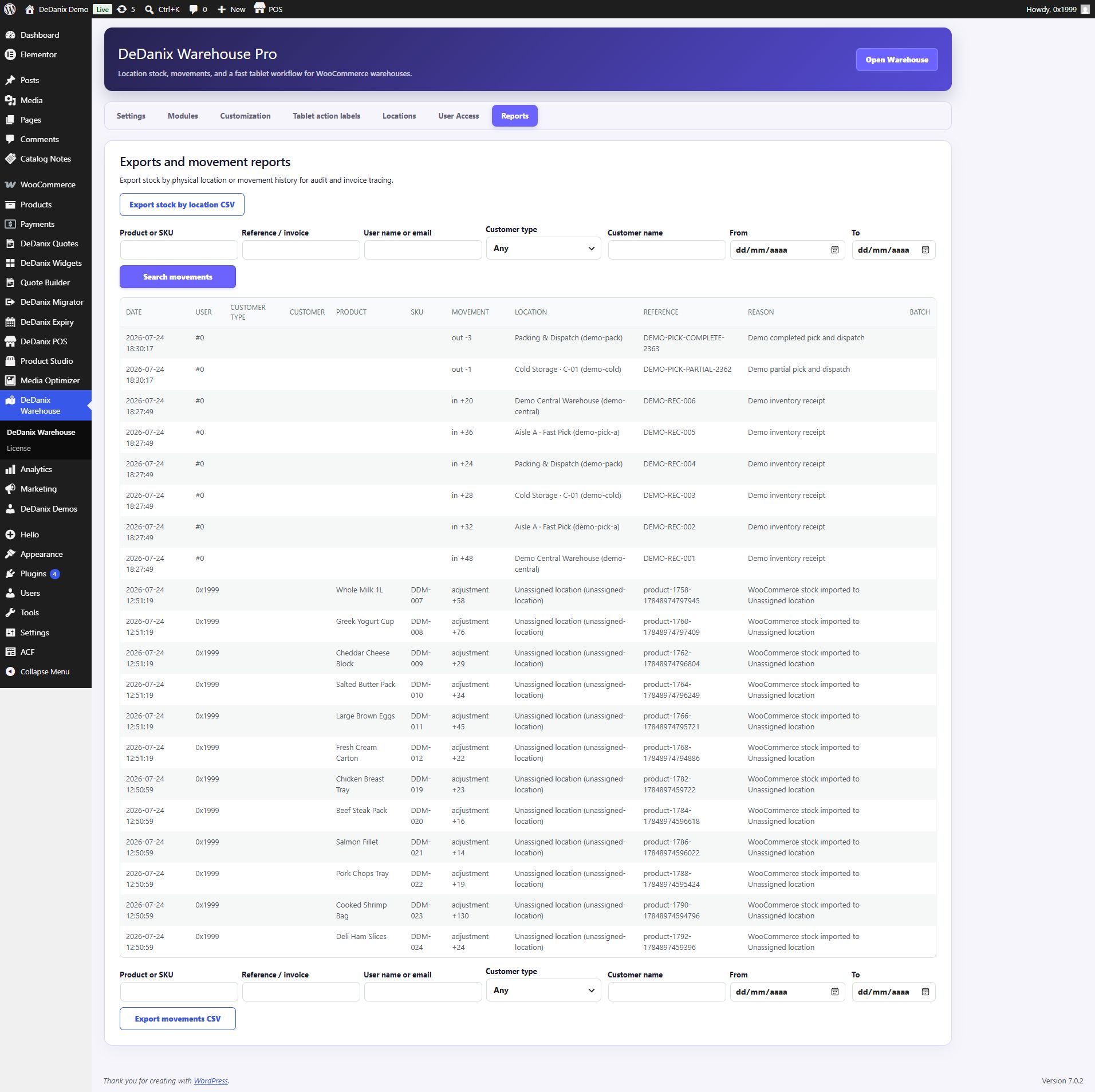
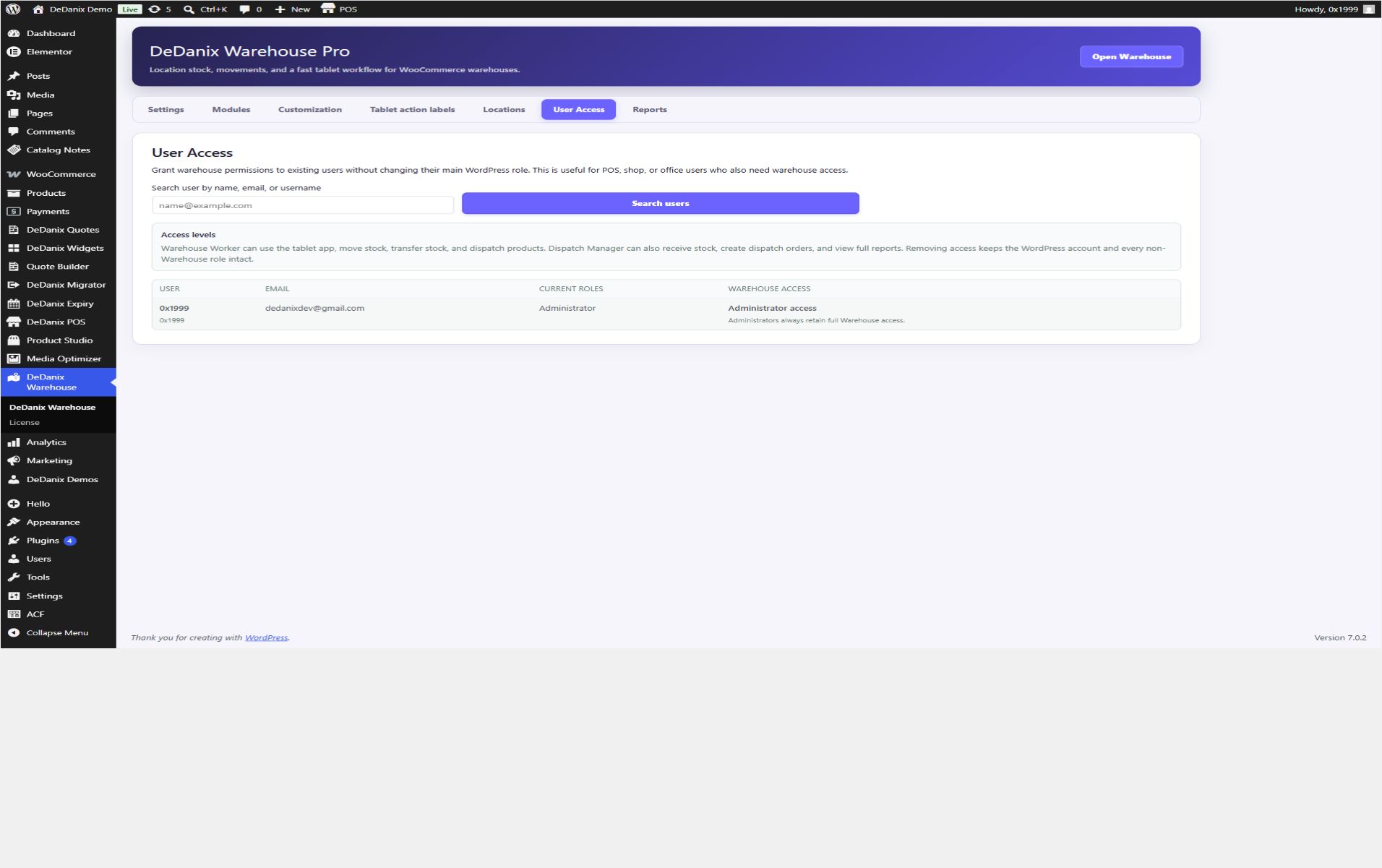
Warehouse work happens beside shelves and dispatch areas. The interface is responsive and tablet-first, with configurable colors, fonts and labels for the team’s vocabulary.
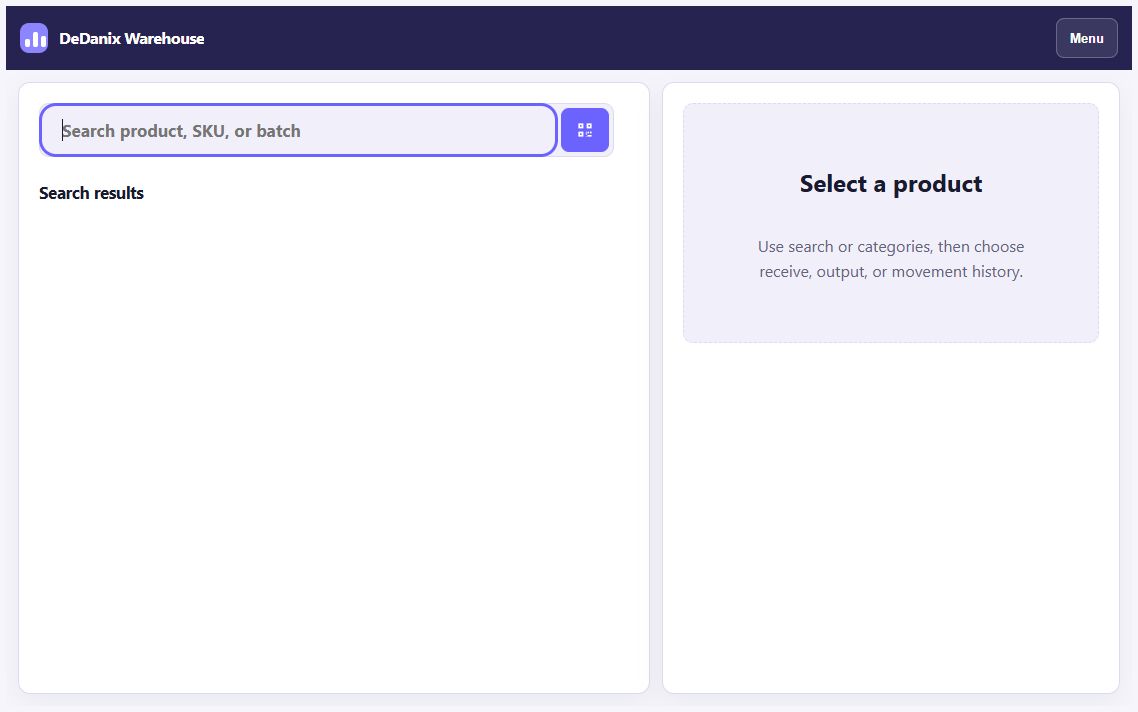
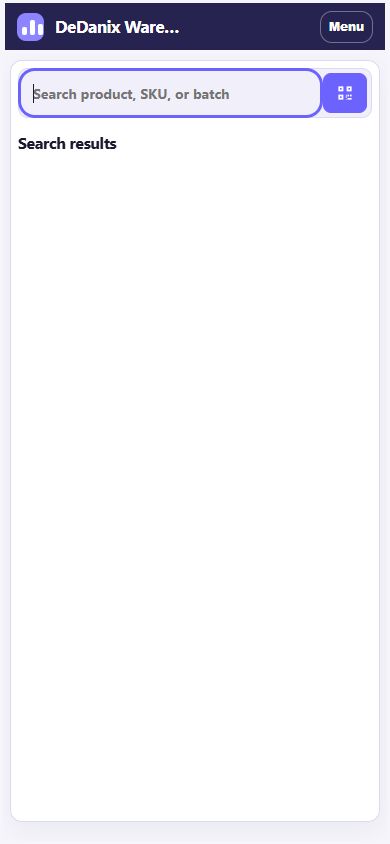
It is a WooCommerce warehouse workspace for physical inventory and fulfillment operations. It is not an ERP, an offline system or a promise of automatic third-party synchronization.
Modules, roles, colors, fonts and tablet action labels can be adjusted from the backend when the team needs a different vocabulary.
Products, orders and commerce remain in WooCommerce while Warehouse Pro makes physical work more visible.
Warehouse Pro does not depend on a separate Free edition; deactivate a Free plugin before activating Pro.
Use the verified scope below to decide whether the workflow matches your store and team.
It manages physical inventory by location, receiving, movements, preparation, manual dispatch, reservations, partial deliveries, backorders, histories, alerts, reports and roles in the WooCommerce context.
Yes. Locations can be hierarchical, with physical stock reviewed in the context of the location where the team works.
Yes. The verified workflow distinguishes receiving, outgoing movement and transfers, then keeps an auditable history.
Pending, partial, completed and backorder work can be reviewed as separate operational states. Test your own order process in staging first.
The interface is responsive and tablet-first, with a validated horizontal tablet layout and a mobile fallback.
No. Warehouse Pro replaces the Free scenario; deactivate a Free plugin before activating Pro.
Review the product scope, request current product details and test the operational sequence before changing a live store.