
Disclosure: DeDanix builds DeDanix Expiry, Batch & Recall for WooCommerce. This checklist supports a store workflow and does not determine legal, safety or regulatory requirements.
An expiry date only helps when it changes what a store can see or do. If dates live in a document that nobody checks, the catalog still allows avoidable mistakes. This short checklist turns a date field into an operational control.
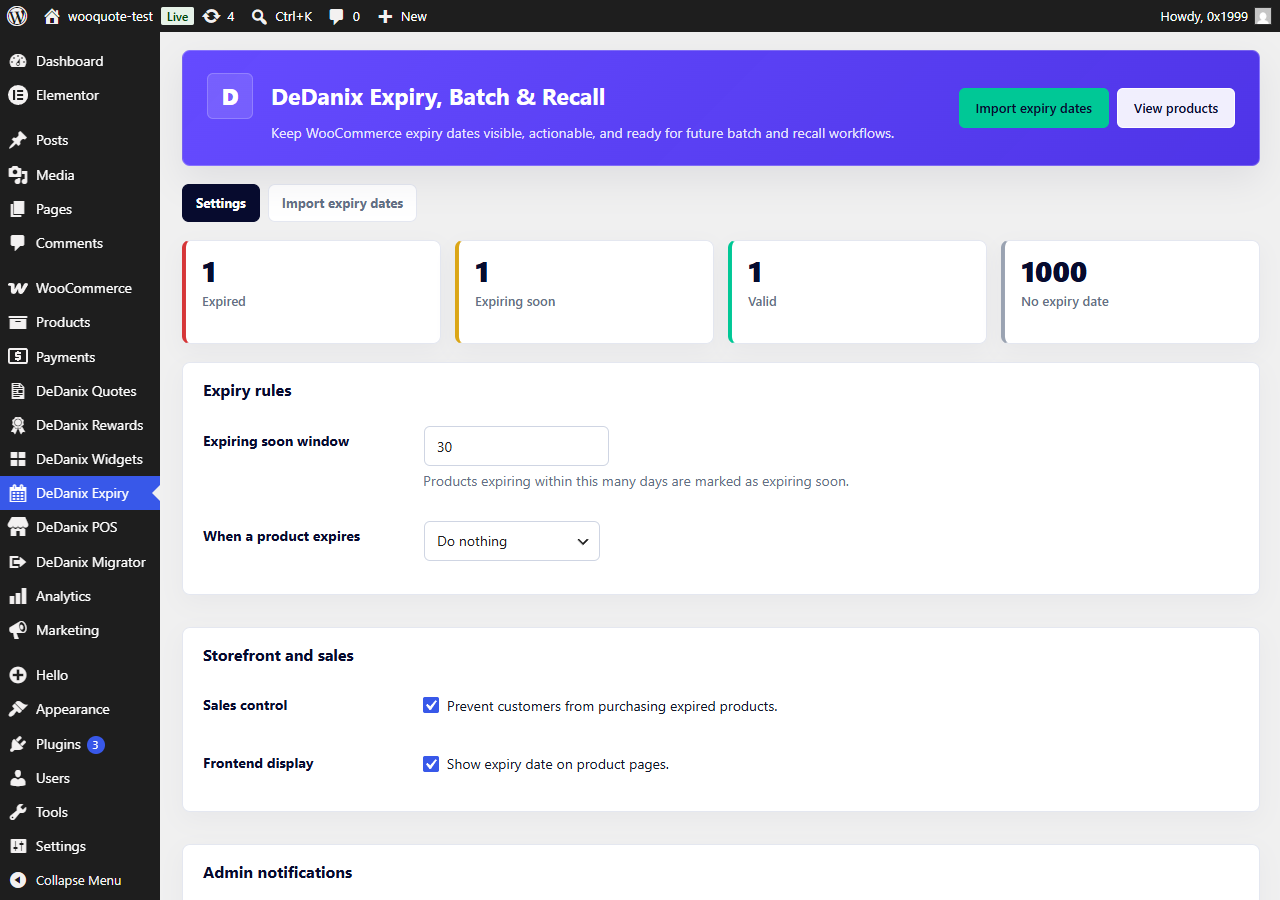
Expiry control checklist
- Define the product scope. List the product types or variations that require an expiry date.
- Choose one date format. Use
YYYY-MM-DDfor imports and verify it with a small CSV preview. - Review missing dates. A missing date is a status to resolve, not an invisible default.
- Set an expiring-soon window. Pick a number of days that gives staff time to act.
- Choose the expired-sales action. Decide whether to prevent purchases, change stock status, draft the product or use another documented handling process.
- Test checkout. Confirm an expired test product follows the action you configured.
- Review daily. Use the dashboard and product filters as part of a repeatable operational routine.
What this does not cover
One product expiry date is not the same as batch inventory, FEFO allocation, order-level traceability or a recall system. Those needs should be assessed as separate requirements.
DeDanix Free scope
DeDanix Expiry, Batch & Recall for WooCommerce Free supports product and variation expiry dates, product-list status filters, CSV import, optional frontend display, daily admin alerts and expired-purchase blocking. The planned commercial batch/recall direction is separate and is not presented as a Free feature.
Review the documented product scope, then validate the checklist on a staging store.