
Point of sale · Store operations
WooCommerce POS in 2026: what a small store actually needs at the counter
Disclosure: DeDanix builds DeDanix POS for WooCommerce. This is a practical evaluation guide, not an independent ranking.
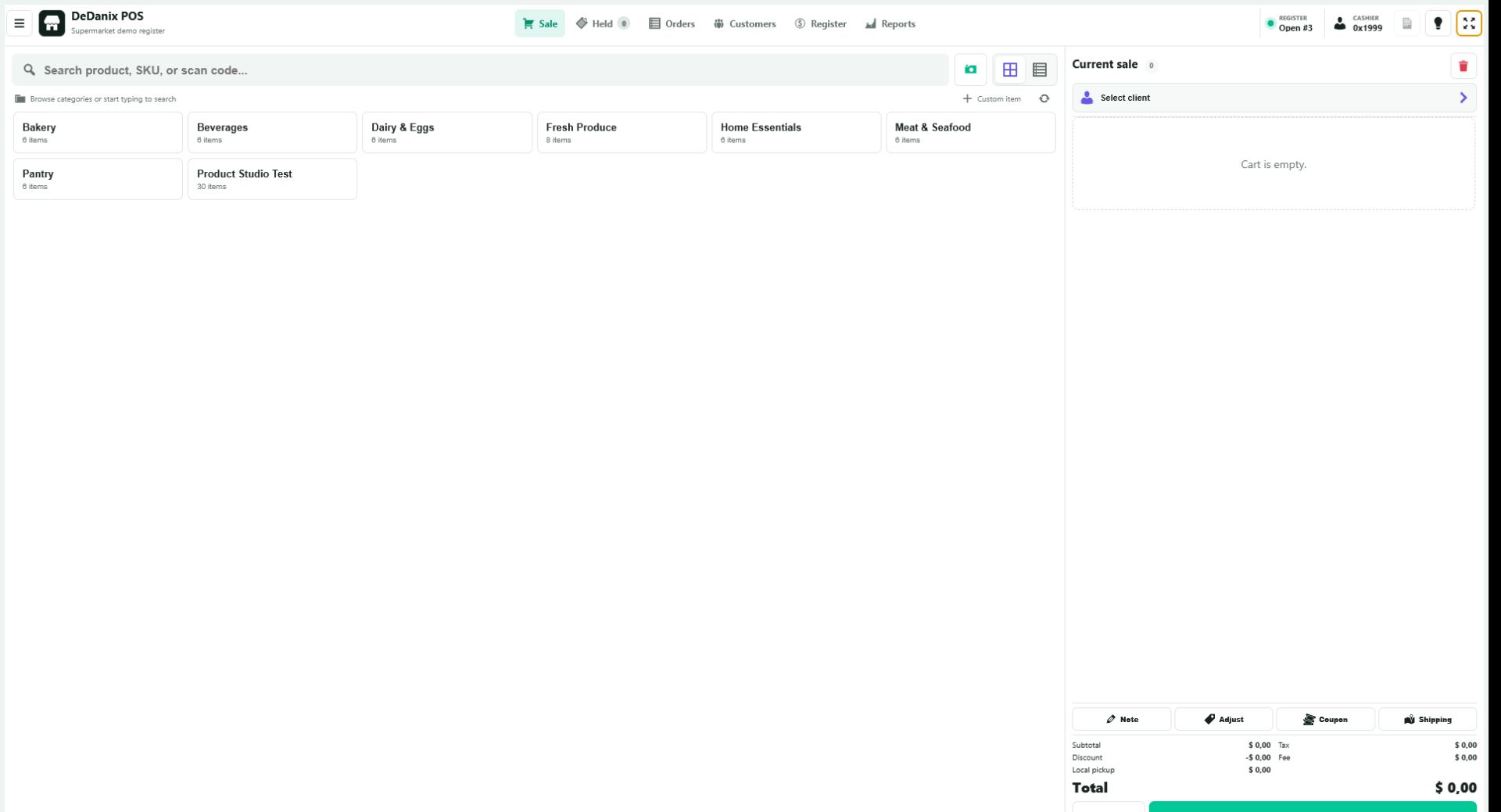
Start with the store you already run
A counter sale should not create a second catalog, a second stock count or a separate order history. For a small WooCommerce shop, test whether the register turns an in-person sale into a normal WooCommerce order while leaving products, prices, stock and taxes under the store controls you already use.
Find products the way staff identify them
Try a familiar product name, an SKU and scanner-style input with your own catalog. Include close names and long SKUs, not only perfect demo products. A useful counter screen makes the next item clear without asking staff to switch back to the WordPress administration area.
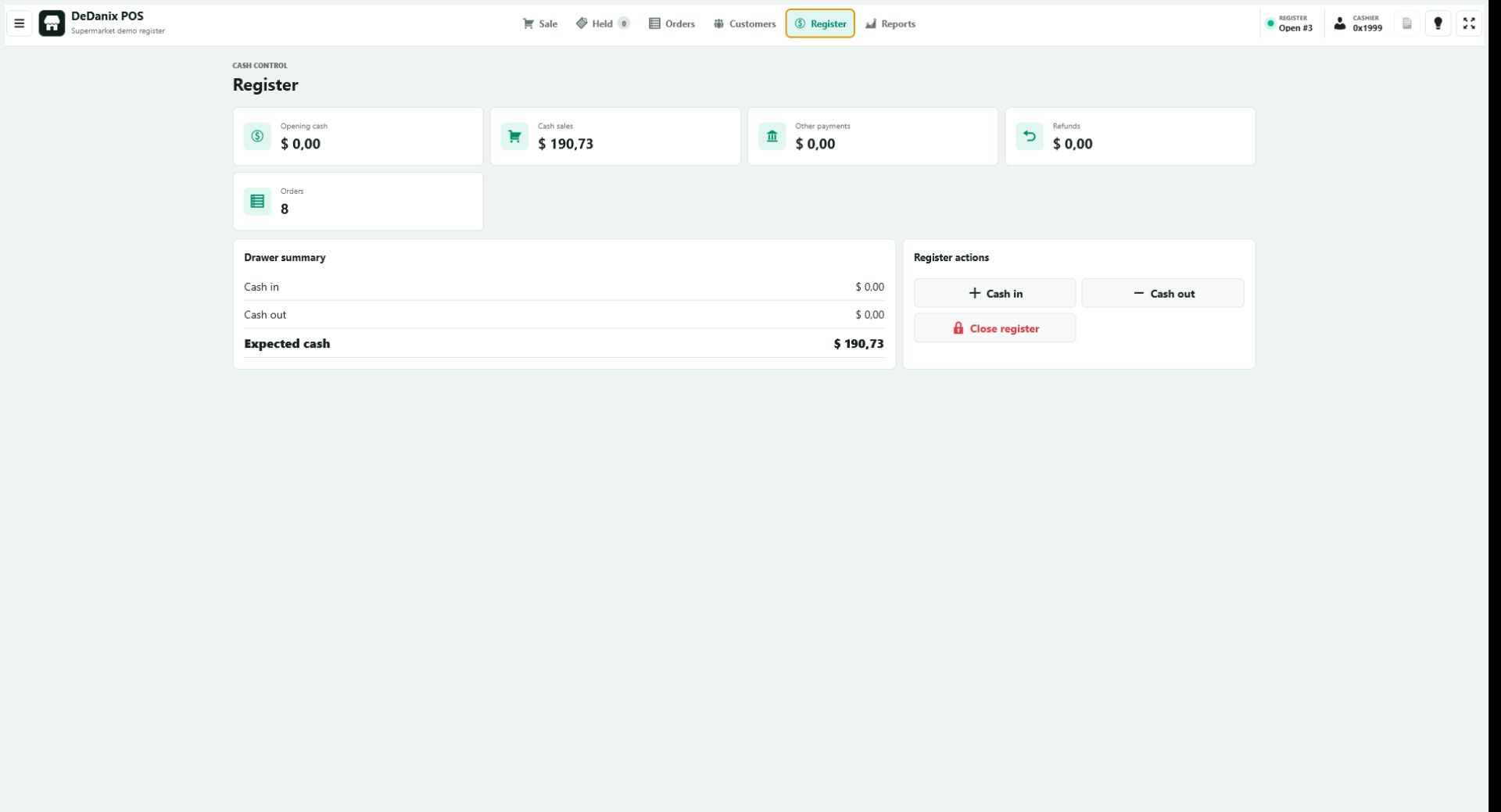
Confirm the order and stock result
Run a small test sale, then find the order in WooCommerce and inspect the product quantity. Test a normal item and a low-stock item. This is the check that tells you whether the counter workflow belongs to the same store operation rather than becoming a reconciliation task later.
Be honest about operational scope
Offline selling, fiscal integrations, warehouse routing, per-location inventory and several simultaneous registers are separate requirements. A lightweight, connected WooCommerce POS can be appropriate for a small store without being a substitute for every retail system.
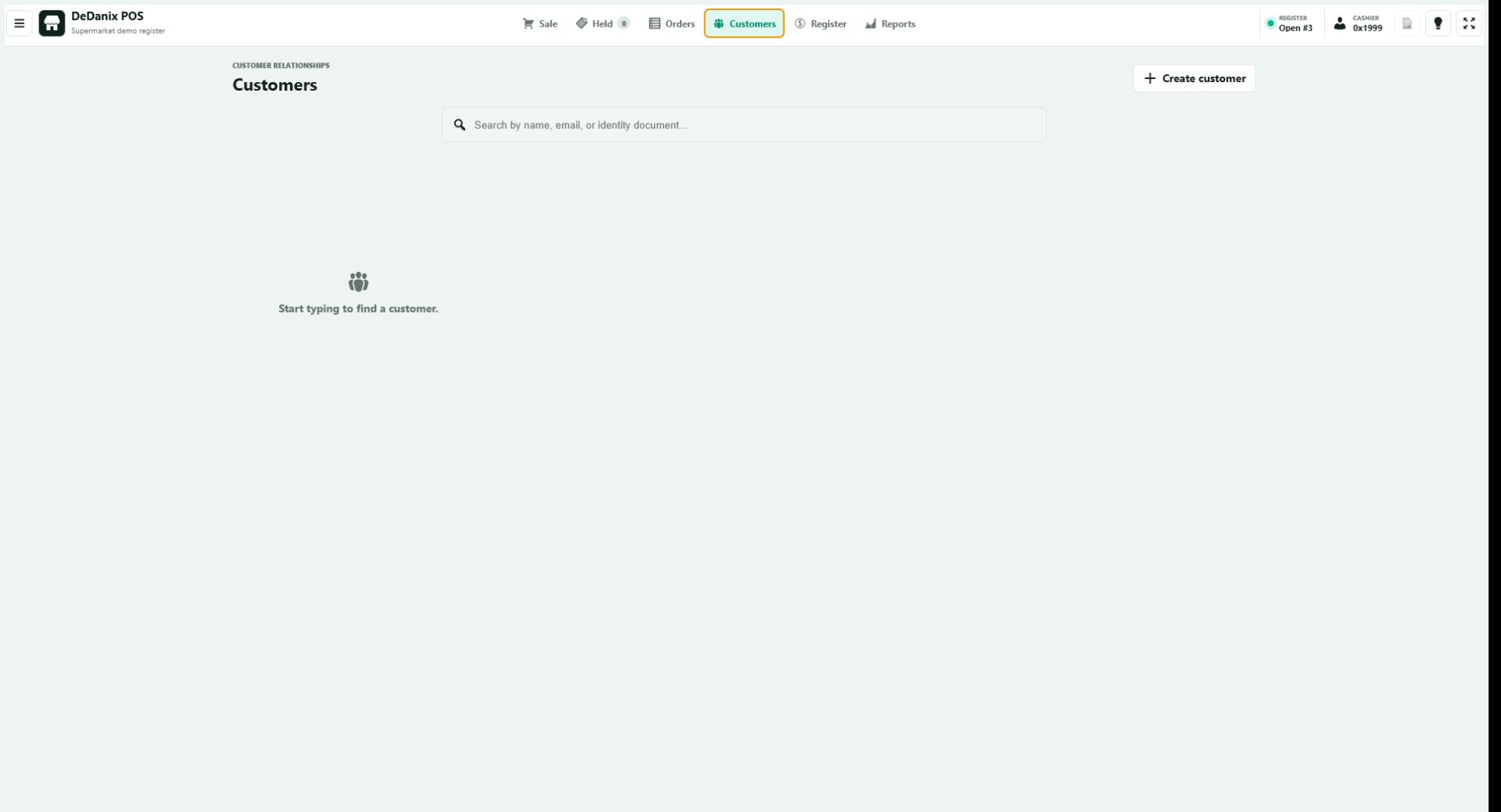
A short counter test
- Search several real products by name and SKU.
- Add and remove items, then review quantities in the cart.
- Complete a test sale with a configured payment method.
- Confirm the WooCommerce order and stock result.
- Repeat on the screen size and connection used at the counter.
Record any need for offline transactions, fiscal hardware, multi-location stock or concurrent registers before treating a tool as a production fit.
Explore the POS product
DeDanix POS for WooCommerce provides category and product lookup, a compact cart and WooCommerce order creation in a dedicated register workspace. WooCommerce remains the source of truth for catalog, prices, stock and orders.
Explore POS