
Point of sale · Catalog and stock
Why product search and real stock matter more than a flashy POS screen
Disclosure: DeDanix builds DeDanix POS for WooCommerce. These are practical evaluation points, not an independent product ranking.
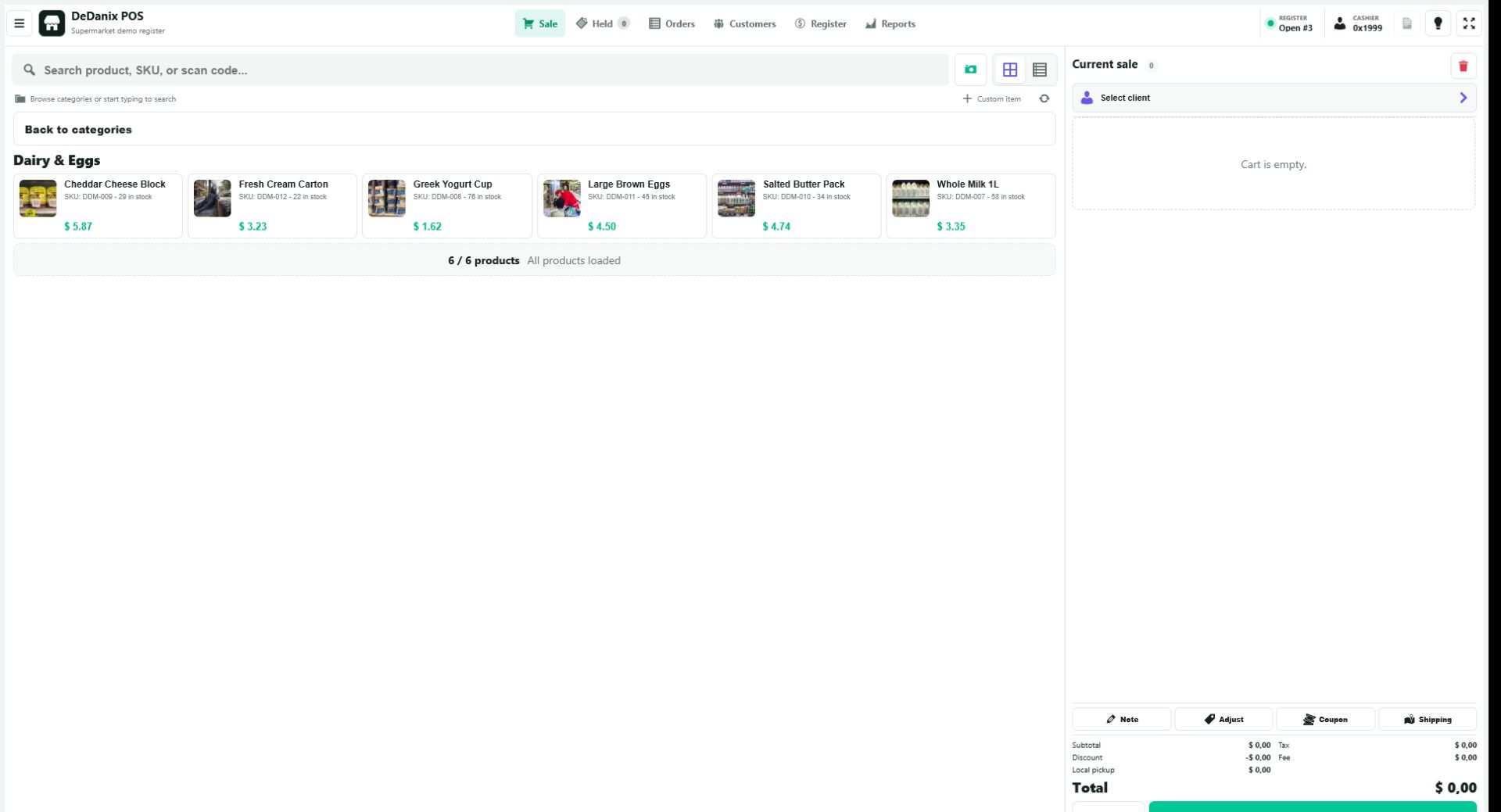
Test product search against your catalog
At a busy counter, a polished checkout screen does not help if staff cannot locate the right item. Test product names, close names, SKUs and scanner-style input against a representative part of your own catalog. Include the products that create mistakes today, not only clean demo items.
Make the cart easy to audit
Before payment, staff need to see selected items, quantities and totals without hunting through panels. Try increasing and decreasing a quantity, removing an accidental item and beginning a new sale. The workflow should be understandable to a new staff member.
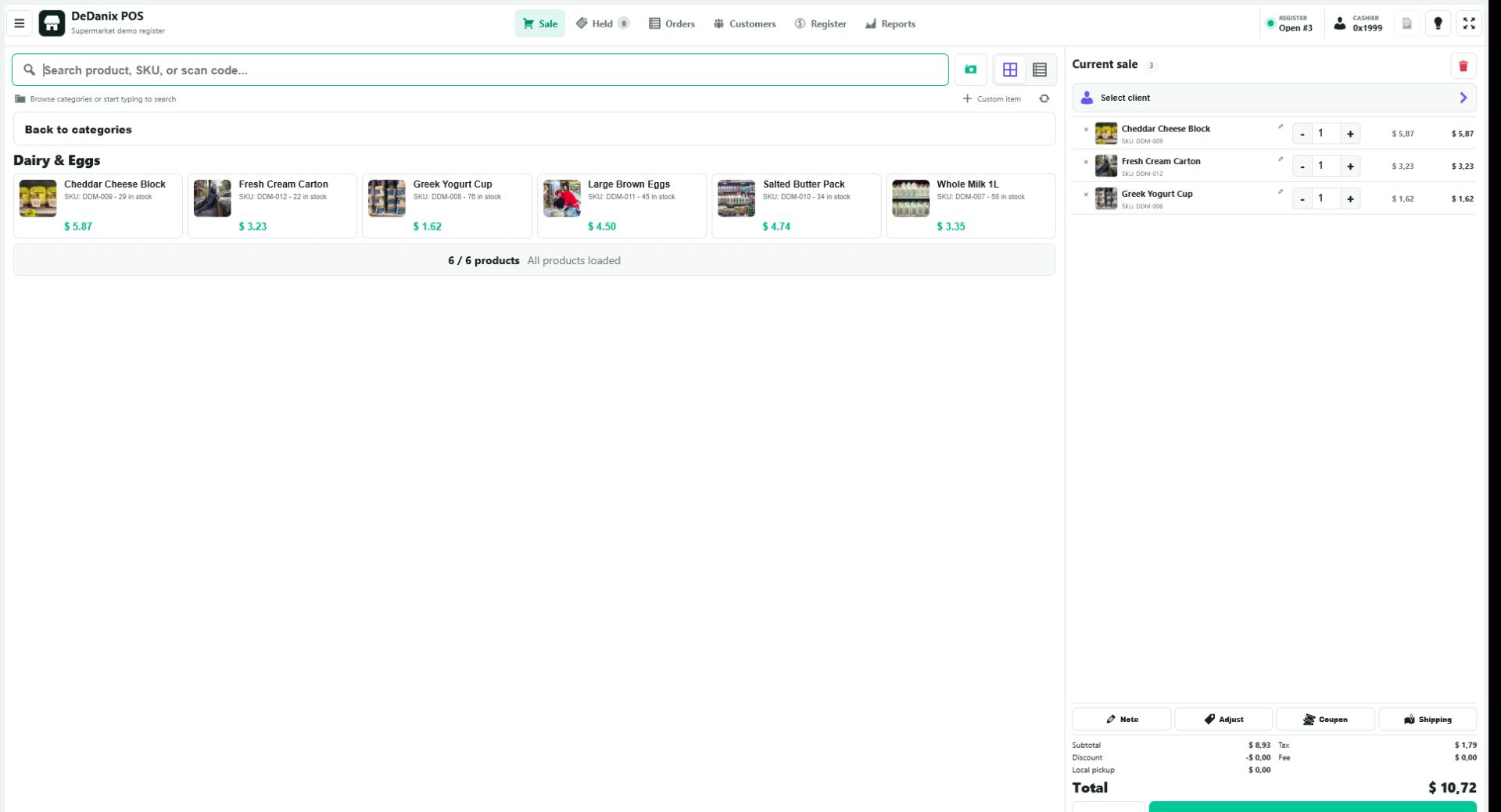
Inspect the result after charge
A counter sale should create a WooCommerce order and follow the store stock rules. Run a normal item and a low-stock item, then inspect the order record and product quantity in WooCommerce. This test matters more than a visual demo because it confirms the operational record behind the register.
Evaluate the boundaries separately
Ask whether the store needs offline transactions, fiscal hardware, several active cashiers, delivery routing or location-specific inventory. A connected WooCommerce POS may be a practical fit for a focused counter workflow without covering those separate requirements.
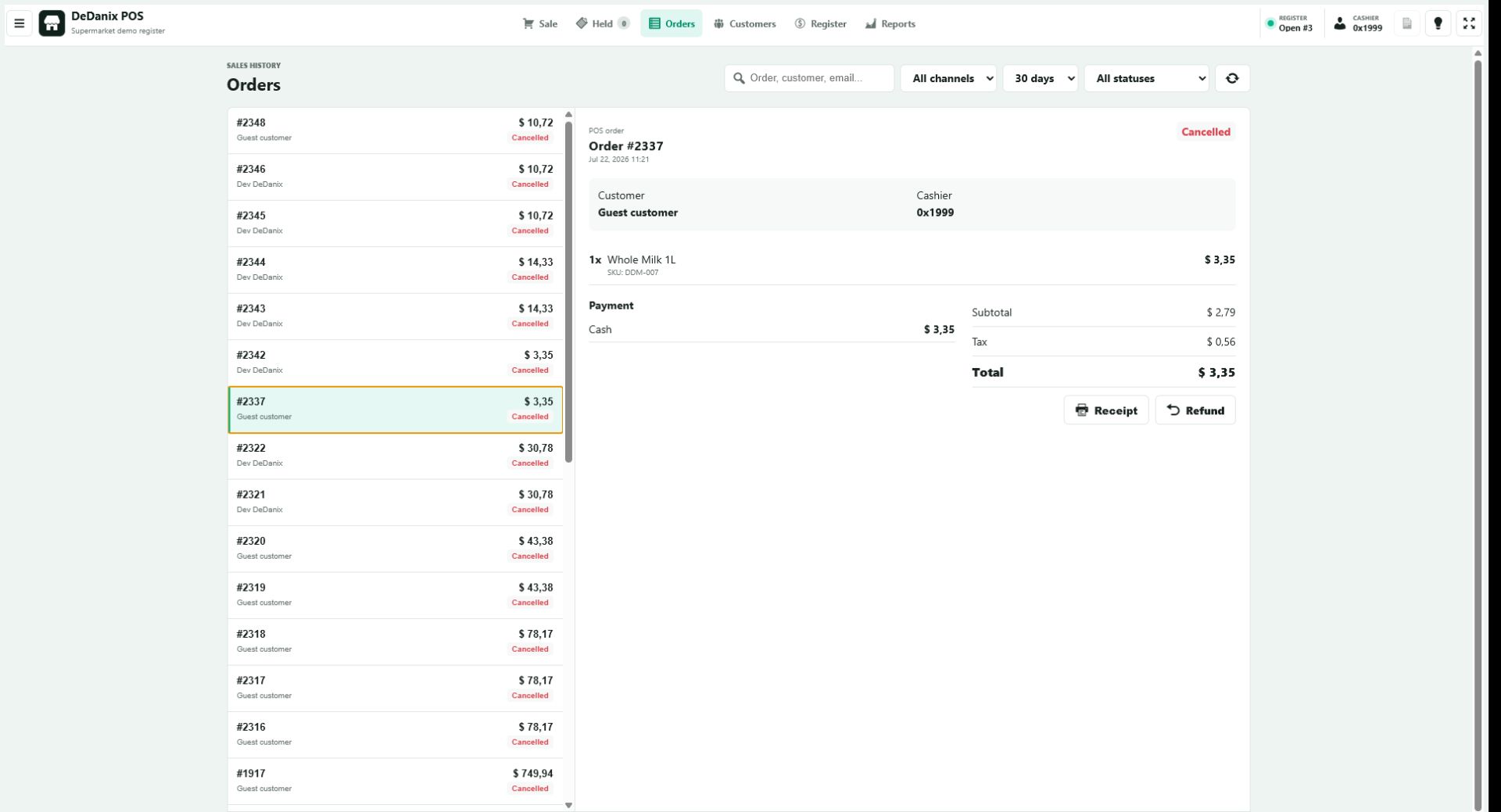
Do not assume that a register uses your stock rules correctly. Verify the resulting WooCommerce order and quantity changes in a staging test before relying on it during a trading day.
Explore the POS product
DeDanix POS for WooCommerce provides category and product lookup, a compact cart and WooCommerce order creation in a dedicated register workspace. Its free edition supports one active POS cashier session at a time and requires an online connection to the WooCommerce site.
Explore POS